QuantumLink is Passport Prime’s secure Bluetooth communication protocol. It creates an end-to-end encrypted tunnel between Passport Prime and Envoy, enabling real-time, private communication between your devices. QuantumLink uses post-quantum cryptography, meaning the connection is protected against both current and future threats, including quantum computing.
To learn more about the technology behind QuantumLink, check out our blog post .
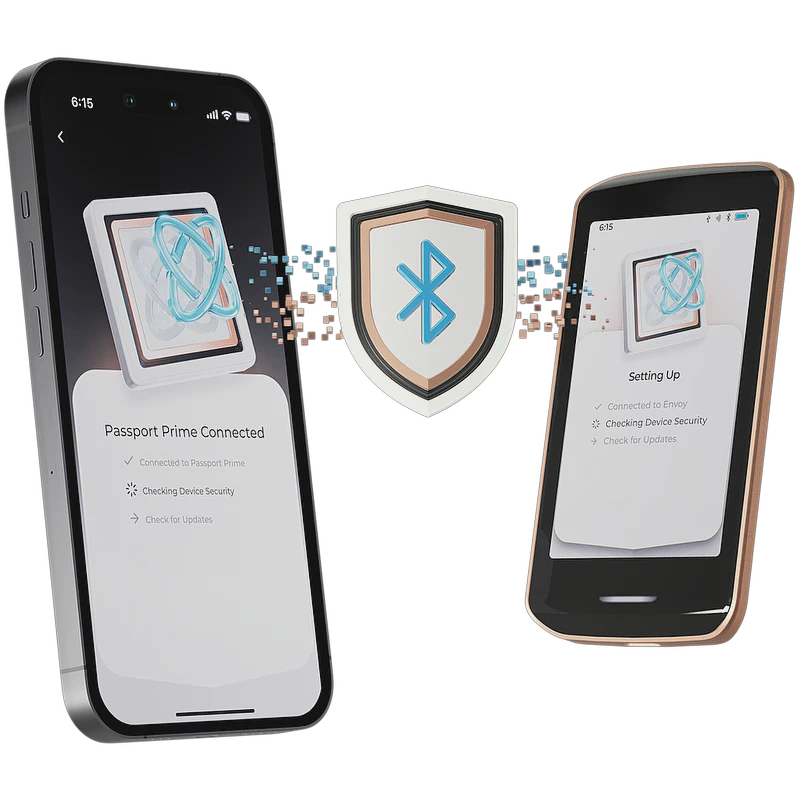
How QuantumLink Works
QuantumLink is built on top of Bluetooth Low Energy (BLE) and adds multiple layers of security:
- End-to-end encryption - All data sent between Passport Prime and Envoy is encrypted. No third party, including Foundation, can intercept or read your communication.
- Post-quantum security - The encryption used is resistant to attacks from quantum computers, future-proofing your connection.
- QR code pairing - The initial connection is established by scanning a QR code displayed on Passport Prime. This out-of-band verification ensures you are connecting to the correct device and prevents man-in-the-middle attacks.
QuantumLink is used throughout the Passport Prime experience, from initial setup and firmware updates to syncing account data with Envoy and your encrypted Magic Backups with the Foundation server.
Getting Started
After turning on Passport Prime for the first time, you will arrive at the welcome screen where you’ll have an opportunity to read the device terms of use. After doing so, you will be met with a QR code. Simply open your phone’s built in camera app and scan this QR code and tap the link that will be shown to you.
- If you already have Envoy installed, the app will open and begin the Passport Prime onboarding connection flow.
- If you do not have Envoy installed, you will be taken to your phone’s app store to download it.
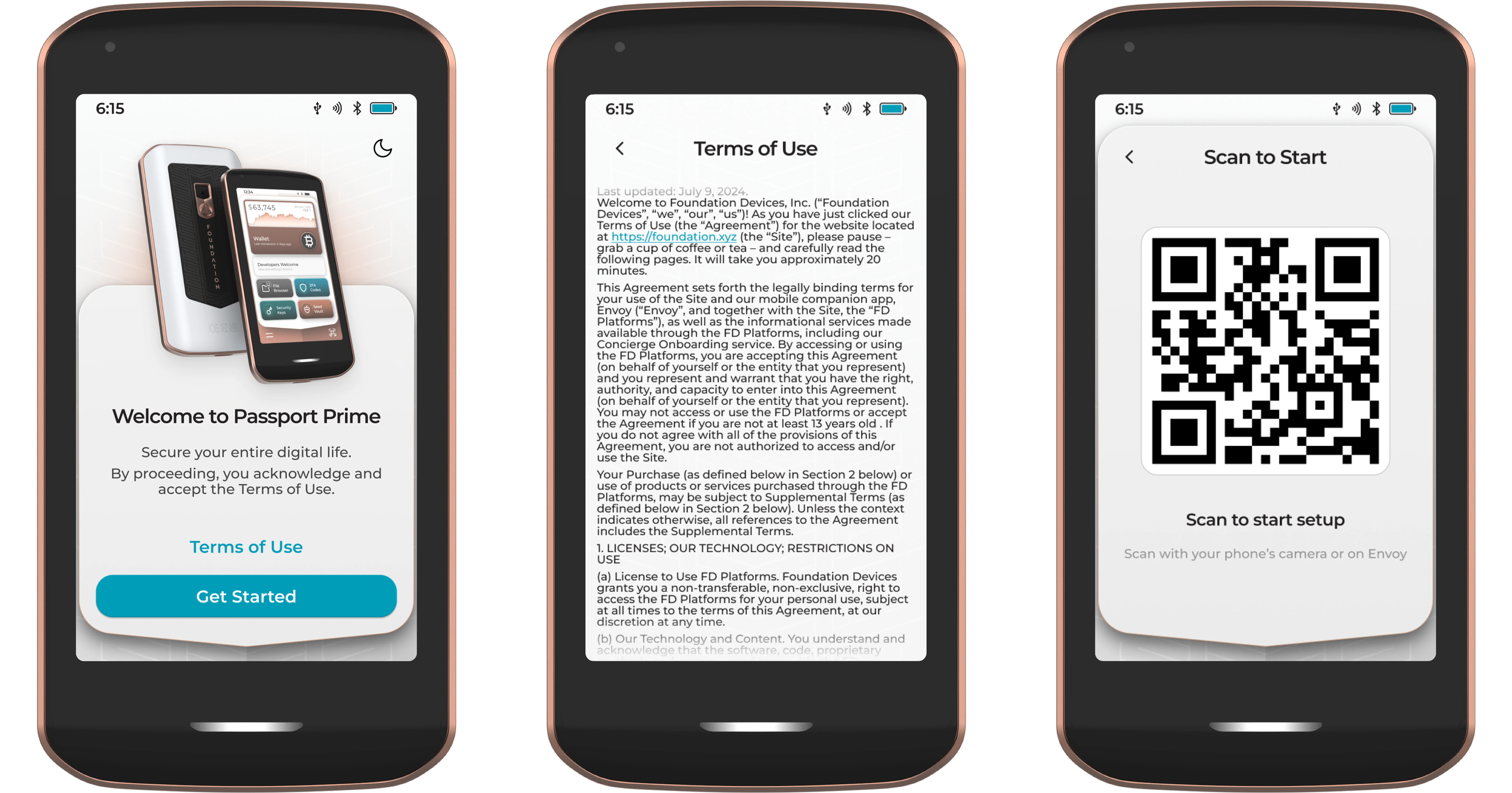
With Envoy at the start of the Passport Prime onboarding flow, tap Continue, then tap Connect with QuantumLink.
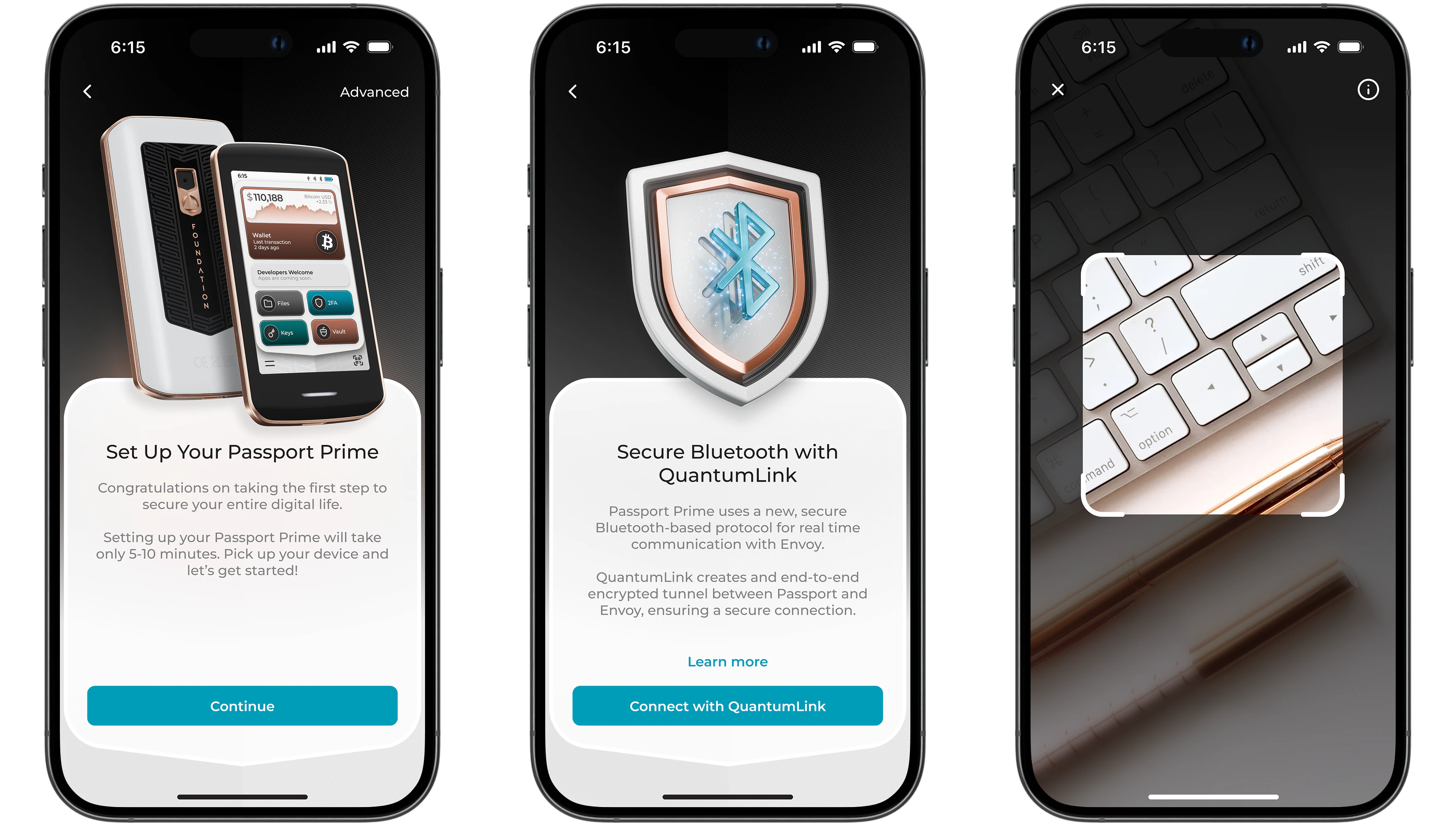
After granting Bluetooth permissions, Envoy’s camera will open and Passport Prime will now be showing a new animated QR code series for you to scan.
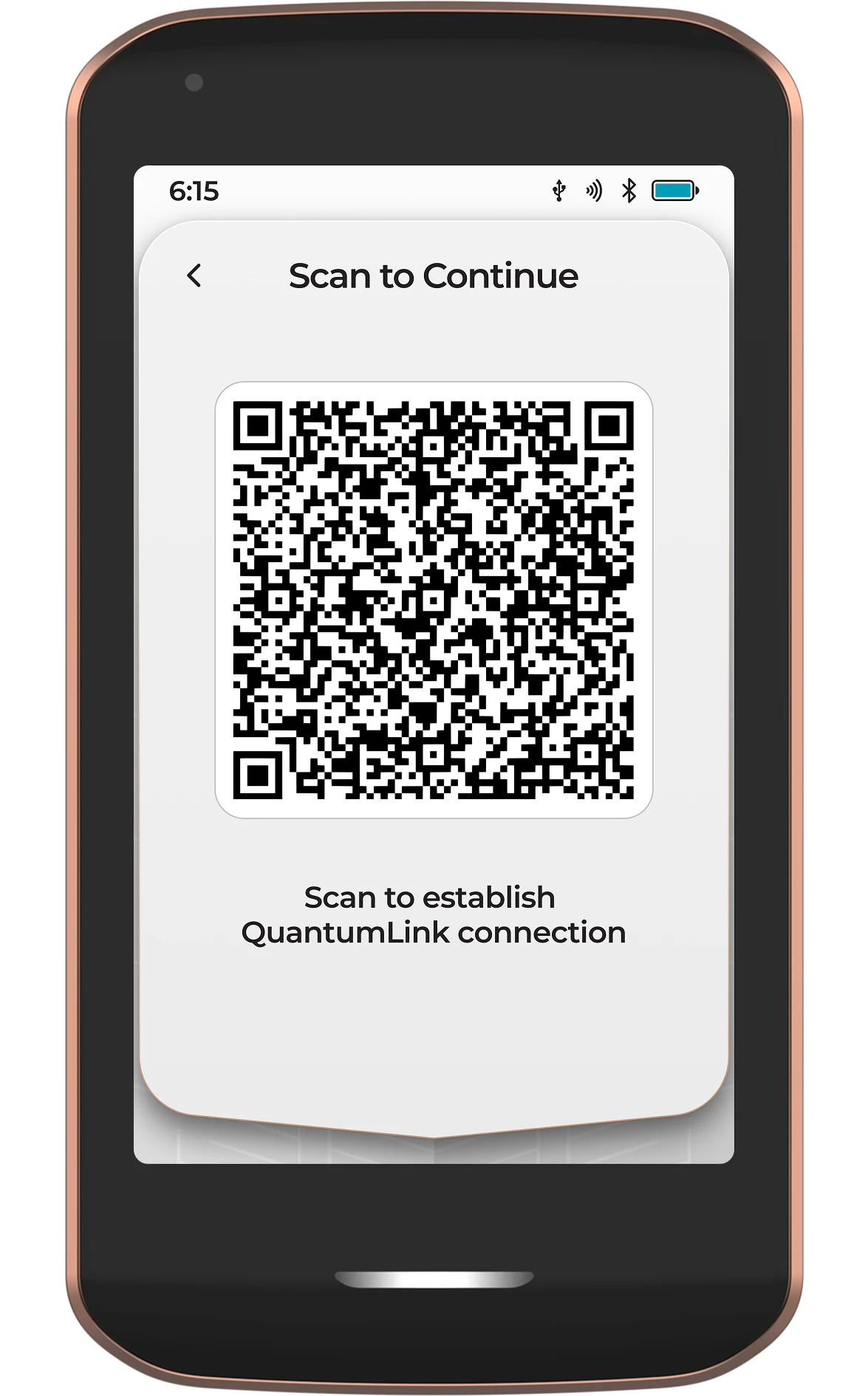
Once Envoy has scanned the QR code from Passport Prime, the secure QuantumLink tunnel has been established and both devices will continue the rest of the setup process in sync.
Checking the Connection
If the QuantumLink connection is lost during setup or under normal use, Passport Prime should automatically reconnect provided Bluetooth is still enabled on device and your phone and both are within typical Bluetooth range. Bluetooth being active is shown by the icon at the top of the screen. If you do not see it there, slowly swipe down from the top of the screen to reveal the control center where you can toggle all connectivity options.
After onboarding is complete, QuantumLink connectivity can be checked in Settings.
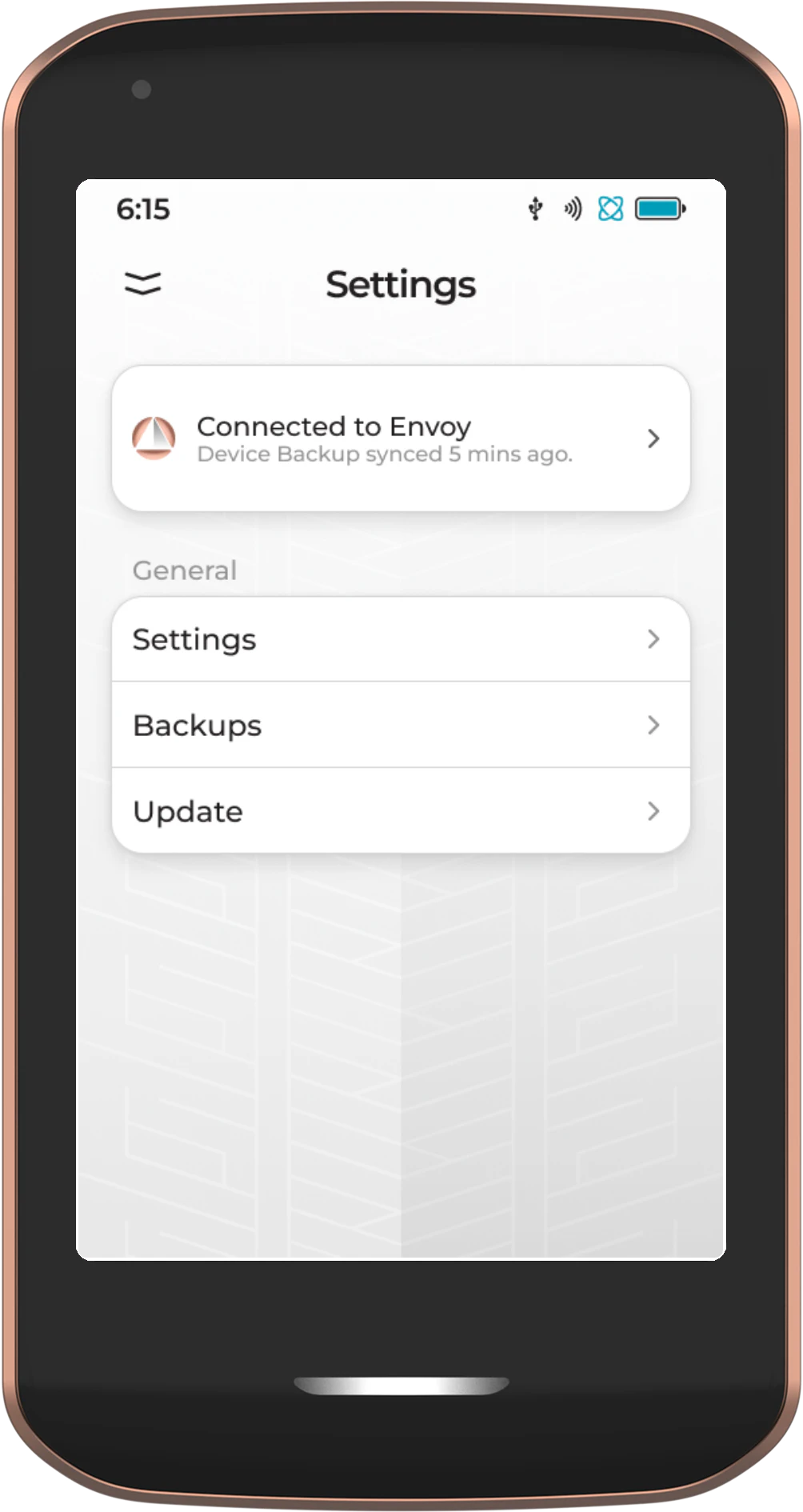
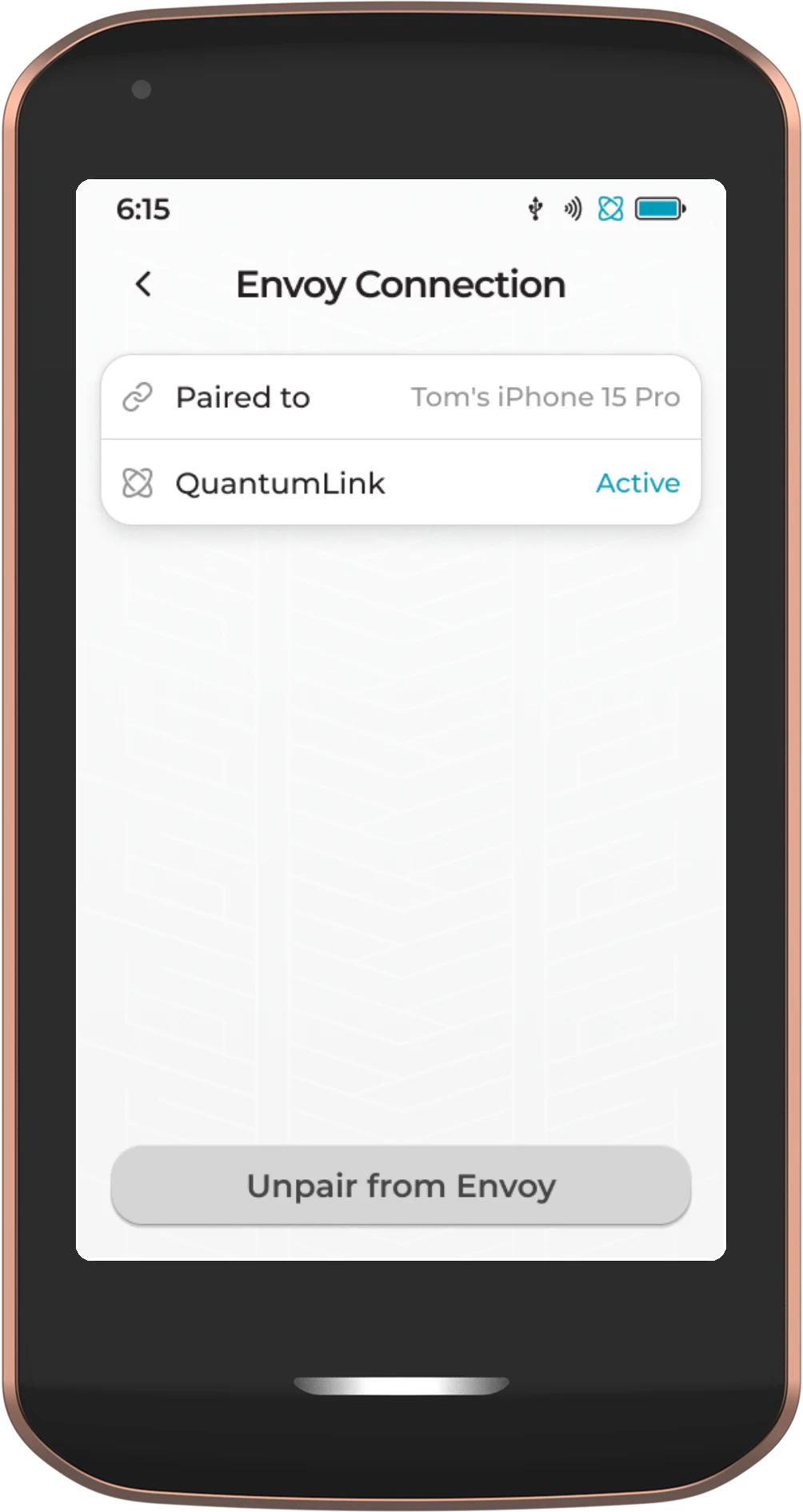
If you are having trouble maintaining a connection:
- Keep devices close together - Bluetooth range is limited. Keep your phone within a few feet of Passport Prime during setup.
- Check Bluetooth is enabled - Ensure Bluetooth is turned on in your phone’s settings.
- Restart both devices - Power cycle Passport Prime and close/reopen Envoy, then try again.
- Check for interference - Other Bluetooth devices or Wi-Fi congestion can occasionally interfere. Try moving to a different location.
If you continue to experience connection issues, please contact us at hello@foundation.xyz
Reconnecting to Envoy
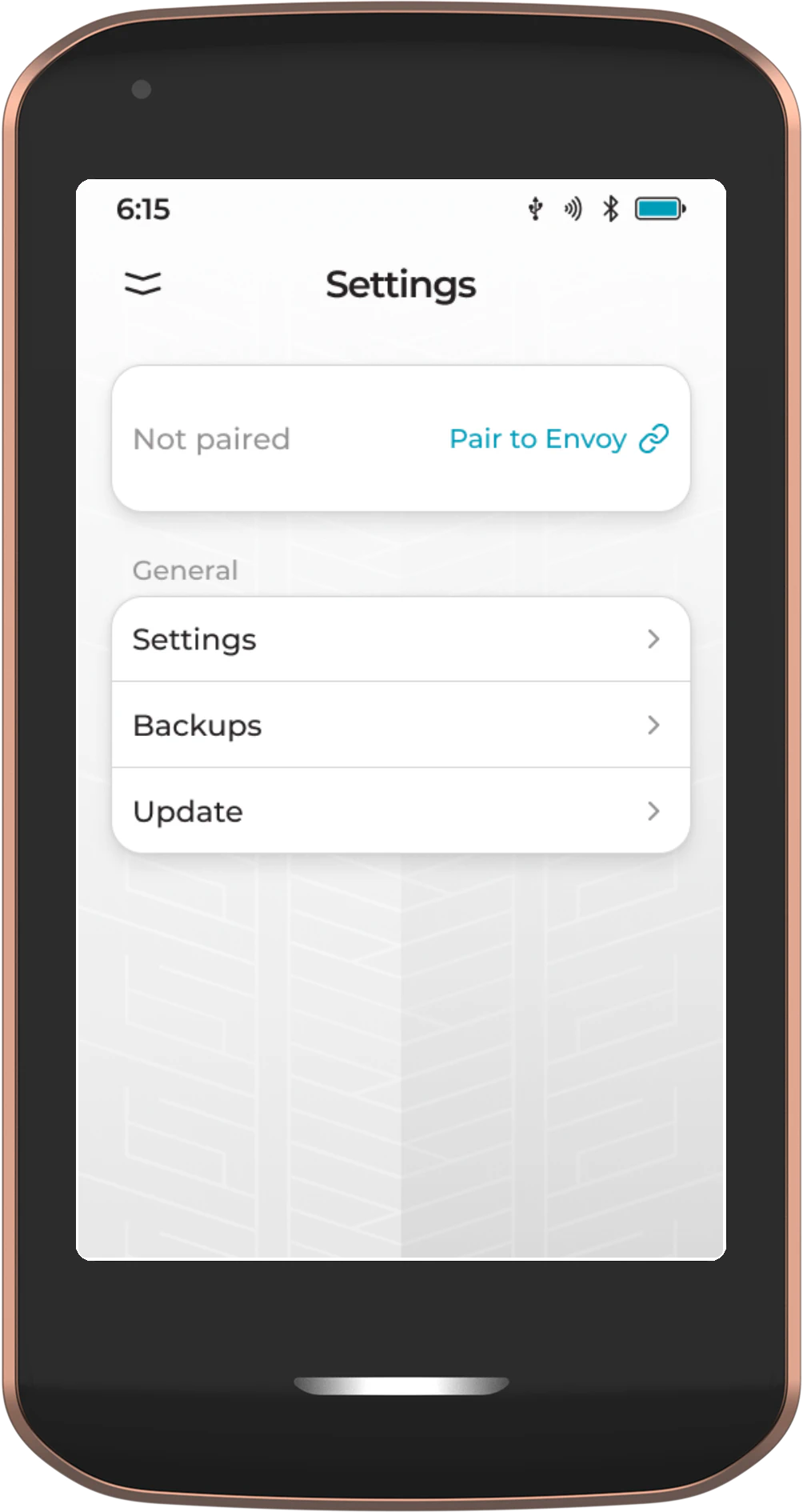
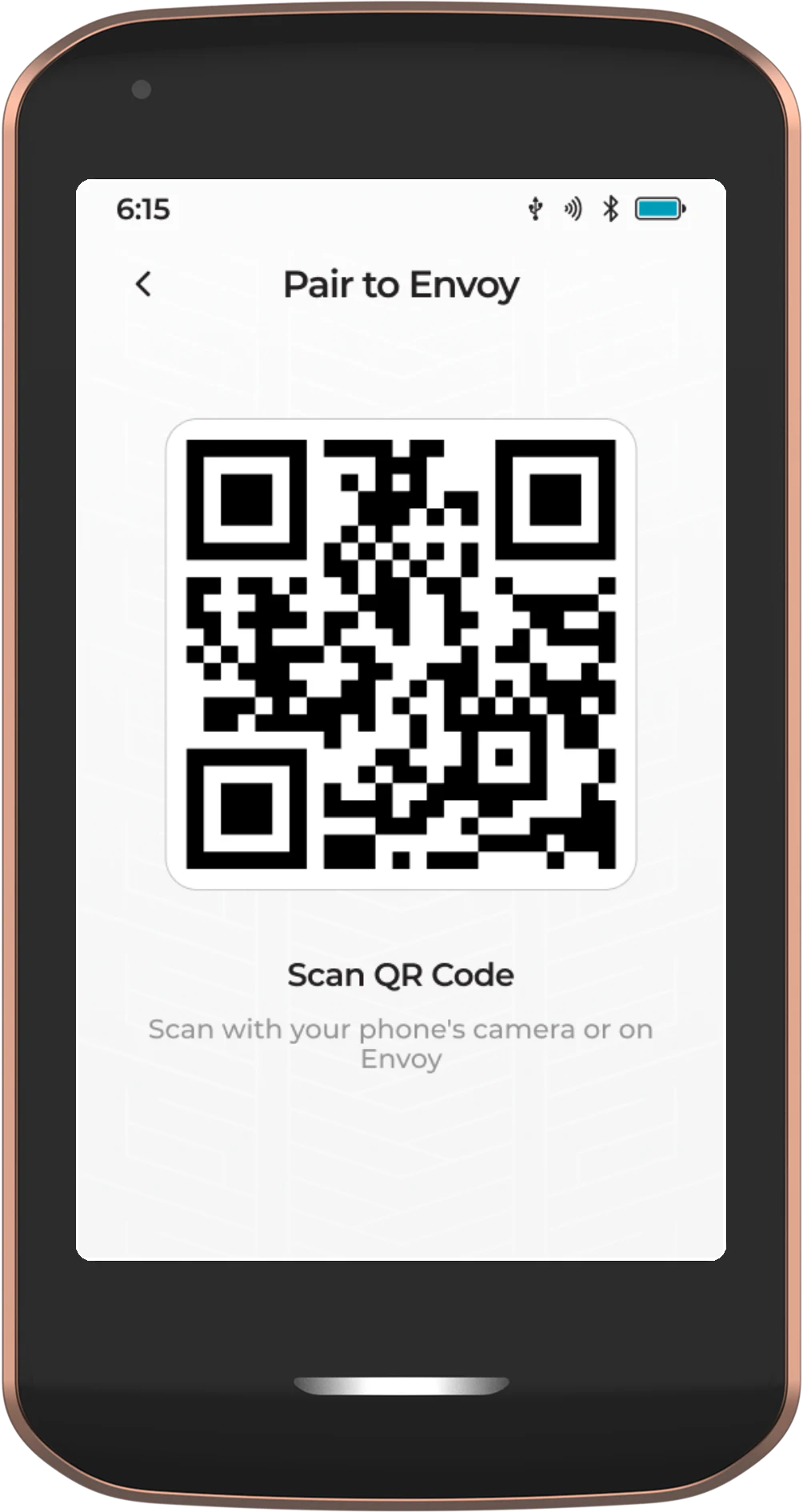
If you need to reconnect to Envoy, perhaps if you have a new phone, you can do so from the Passport Prime settings.
- First unpair from any existing phone from the Passport Prime settings page
- Tap Pair to Envoy from the Passport Prime settings page
- Scan the QR code presented with your phone’s camera
- Accept the accessory addition to your phone operating system
- Scan the animated QR code series with Envoy to complete the connection
FAQ
No. QuantumLink is end-to-end encrypted between Passport Prime and Envoy. Foundation cannot intercept or read any data sent over the connection.
QuantumLink uses Bluetooth Low Energy, which typically works within 10–30 feet (3–10 meters). For best results during setup, keep your phone close to Prime.
At launch, QuantumLink is required for initial setup, firmware updates, and syncing with Envoy. However, Bitcoin transactions can still be signed via QR codes, USB, or NFC without an active QuantumLink connection.
Yes. You can toggle Bluetooth on and off from the control center by swiping down from the top of the screen. Note that disabling Bluetooth will prevent QuantumLink from functioning until it is re-enabled.
QuantumLink uses CRYSTALS-Kyber for its key exchange rather than traditional elliptic curve cryptography. This means the encryption is resistant to attacks from both current computers and future quantum computers. The public key is also shared out-of-band via QR code, so the Bluetooth chip never sees it.
At launch, QuantumLink only works with Envoy on mobile devices. For desktop interactions, you can connect Prime via USB, NFC, or QR codes.