With its 2FA app, Passport Prime enables you to store and manage your most important 6-digit 2FA codes in a secure and offline environment, ensuring your online accounts are protected by a second-factor authentication layer to guard against hacks and identity theft.
Adding a 2FA Code
To add your first 2FA code to Passport Prime, simply tap Add 2FA Code and scan the QR code being displayed by the account you want to add a second layer of authentication to. This could be anything from a work based website, your email, a Bitcoin exchange or even your Google account.
After scanning the QR code, Passport Prime will ask you to label the 2FA code, associate an account with it, and finally give you the option to assign a unique color.
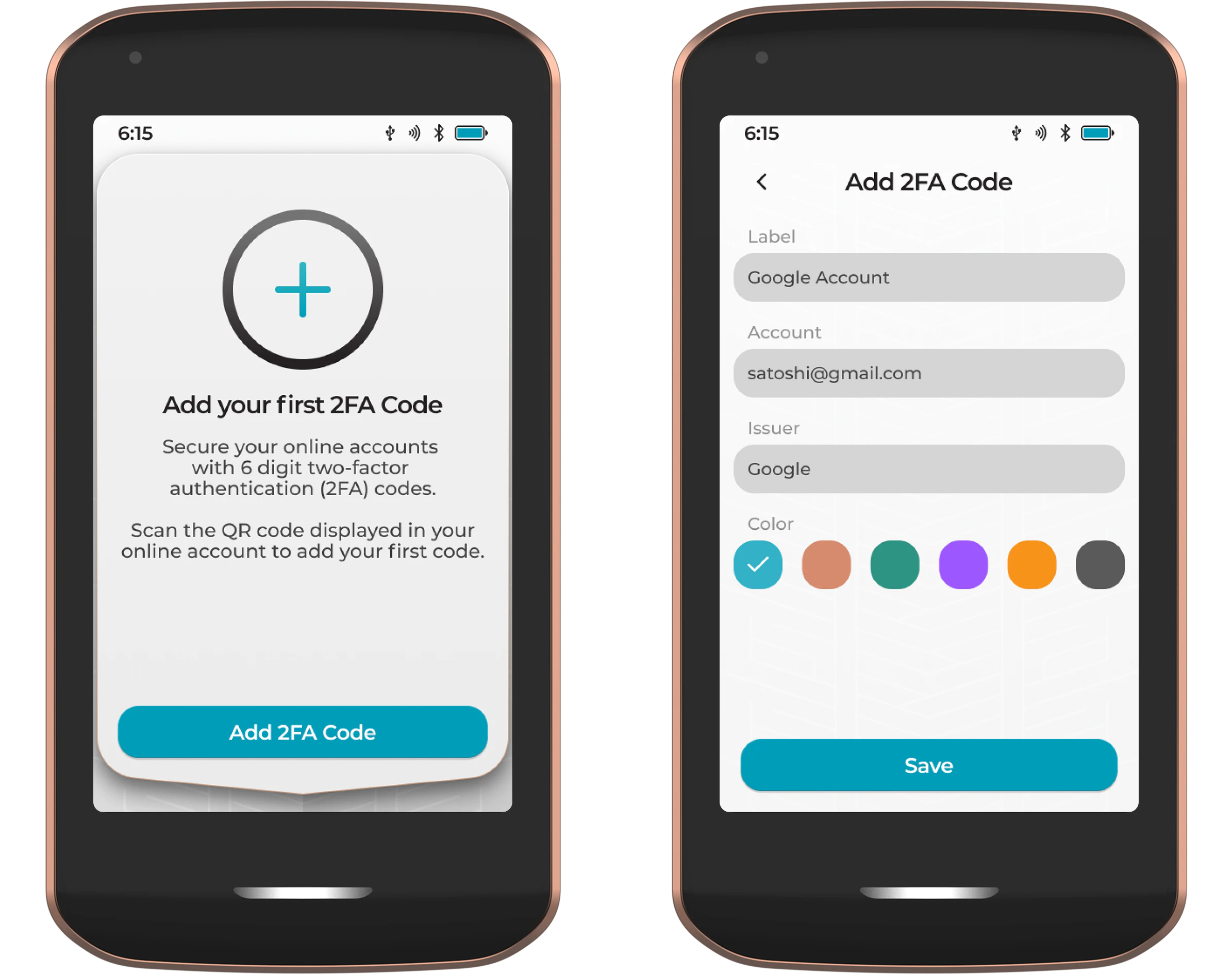
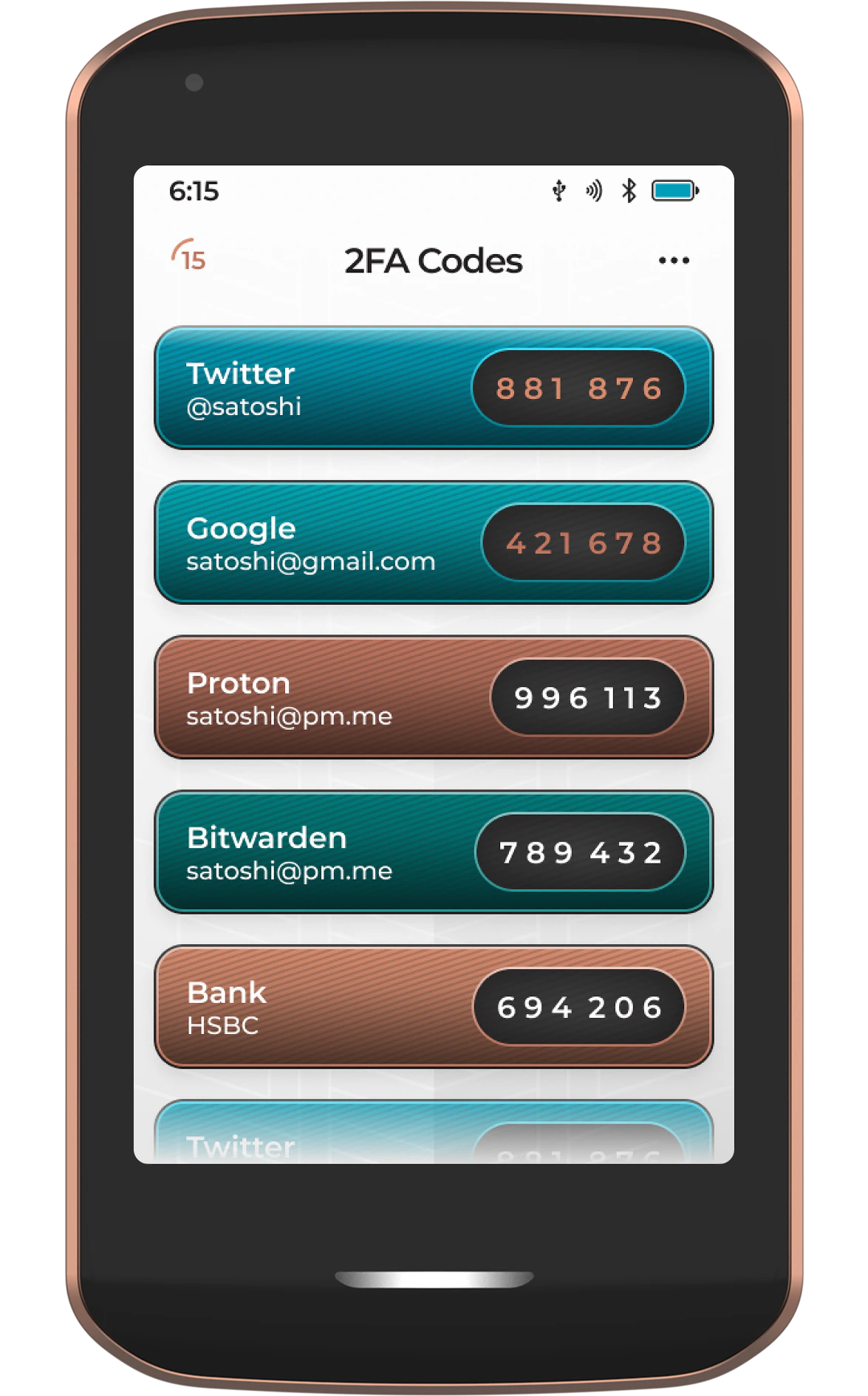
After pressing Save, the new 2FA code will be added to your list.
To add additional codes, simply tap the three-dot menu icon and choose Add 2FA Code.
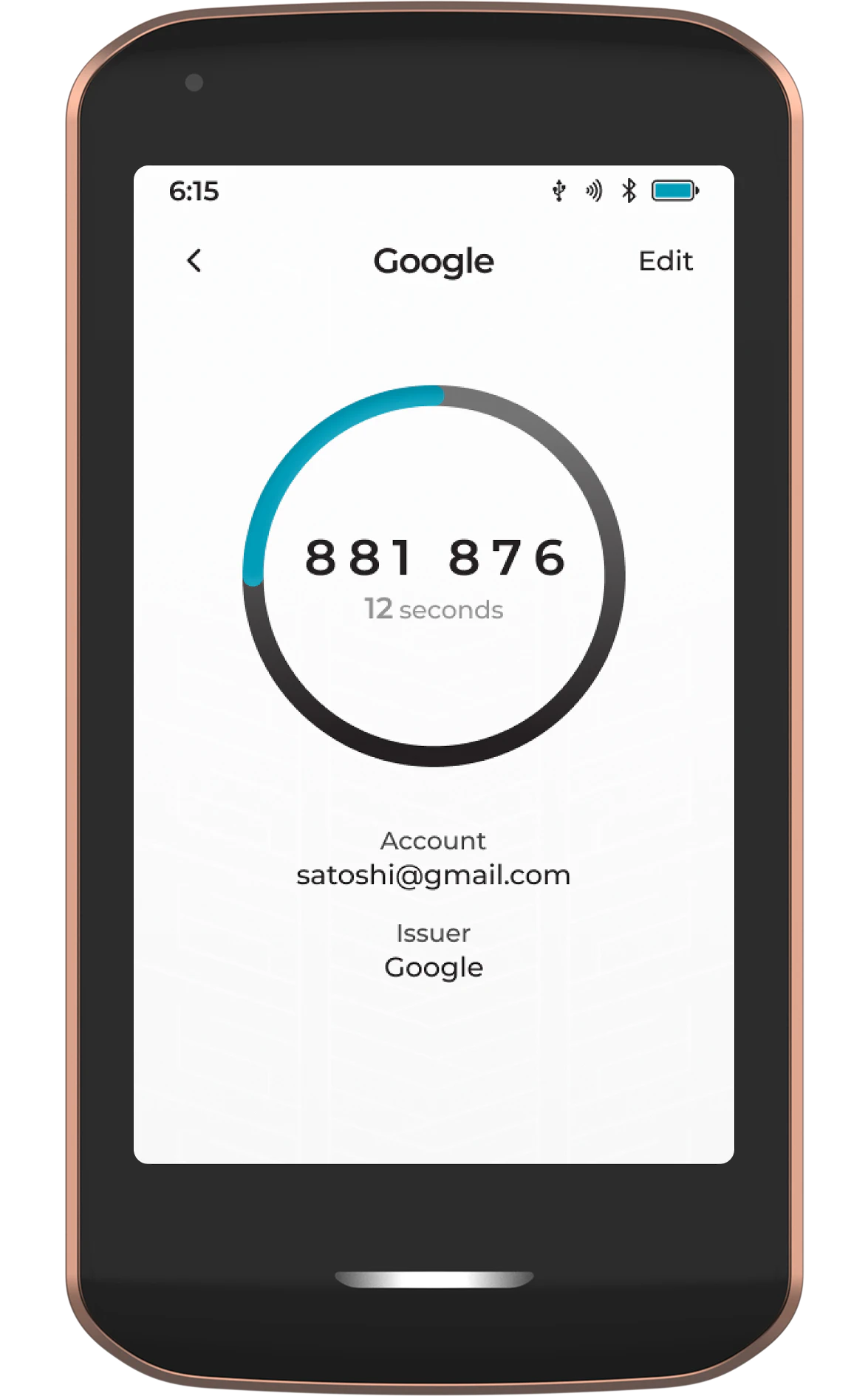
Tapping on any of your saved 2FA codes will open the expanded view.
Importing Existing Codes
Already using another authenticator app? You can bring your codes across to Passport Prime in a single step. Passport Prime can import from Google Authenticator, Aegis and Proton Authenticator.
Tap Add 2FA Code in the 2FA app to start. You can either scan an export QR code with the camera, or tap Import from File and choose an export file from Internal storage, the Airlock, or connected USB storage. Password protected encrypted exports from Aegis and Proton Authenticator are supported, and Passport Prime will prompt you for the password before decrypting.

From Google Authenticator
Already using Google Authenticator? You can bring all of your codes across to Passport Prime in a single step.
In the Google Authenticator app, open the menu and choose Transfer accounts, then Export accounts, and select the codes you want to move. Google Authenticator will display an export QR code. If you have a lot of accounts, they may be split across more than one QR code.
In the Passport Prime 2FA app, tap Add 2FA Code and scan the export QR code. Passport Prime recognizes that it holds multiple accounts and asks you to confirm, showing how many will be added.
Confirm the import and all of the codes are added to your list at once. If the export spans several QR codes, repeat the scan for each one.
From Aegis or Proton Authenticator
Export your accounts from Aegis or Proton Authenticator, then move the export file onto Passport Prime using the Airlock or a USB drive. In the 2FA app, tap Add 2FA Code, then Import from File, and select the export.
If the export is encrypted, Passport Prime asks for the password you set during the export and shows a spinner while it decrypts. Once decrypted, your codes are added to the list.
Prefer an encrypted export where the app offers one. An unencrypted authenticator export is a plain list of your 2FA secrets, so treat that file the same way you would treat a seed phrase and delete it once the import is done.
Edit/Archive
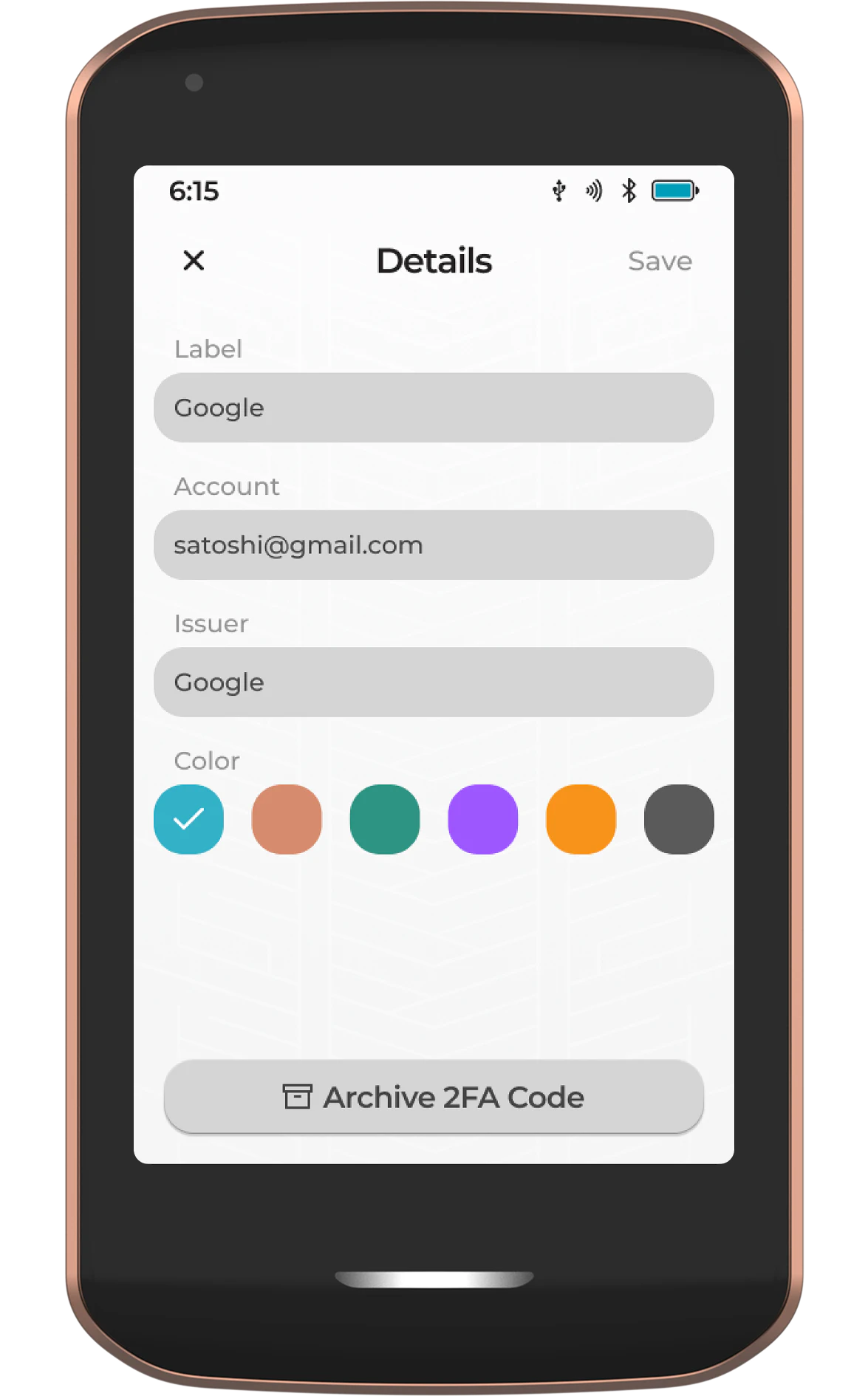
To edit any details relating to a code, tap the Edit button from the expanded view screen. Unwanted 2FA codes can be archived from this screen.
View/Restore Archive
To view archived 2FA codes, simply tap the three-dot menu icon from the main app screen, then tap View Archive.
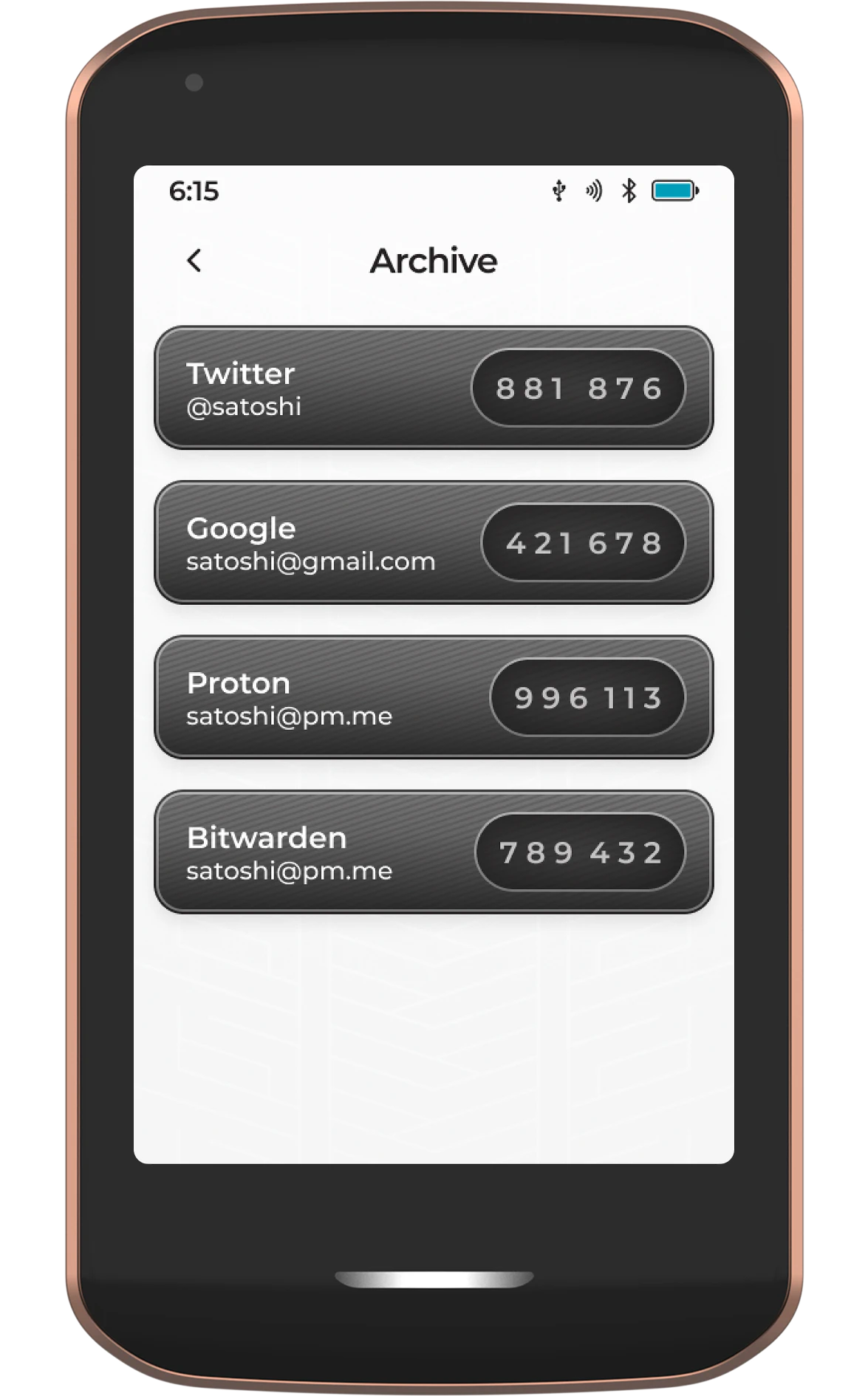
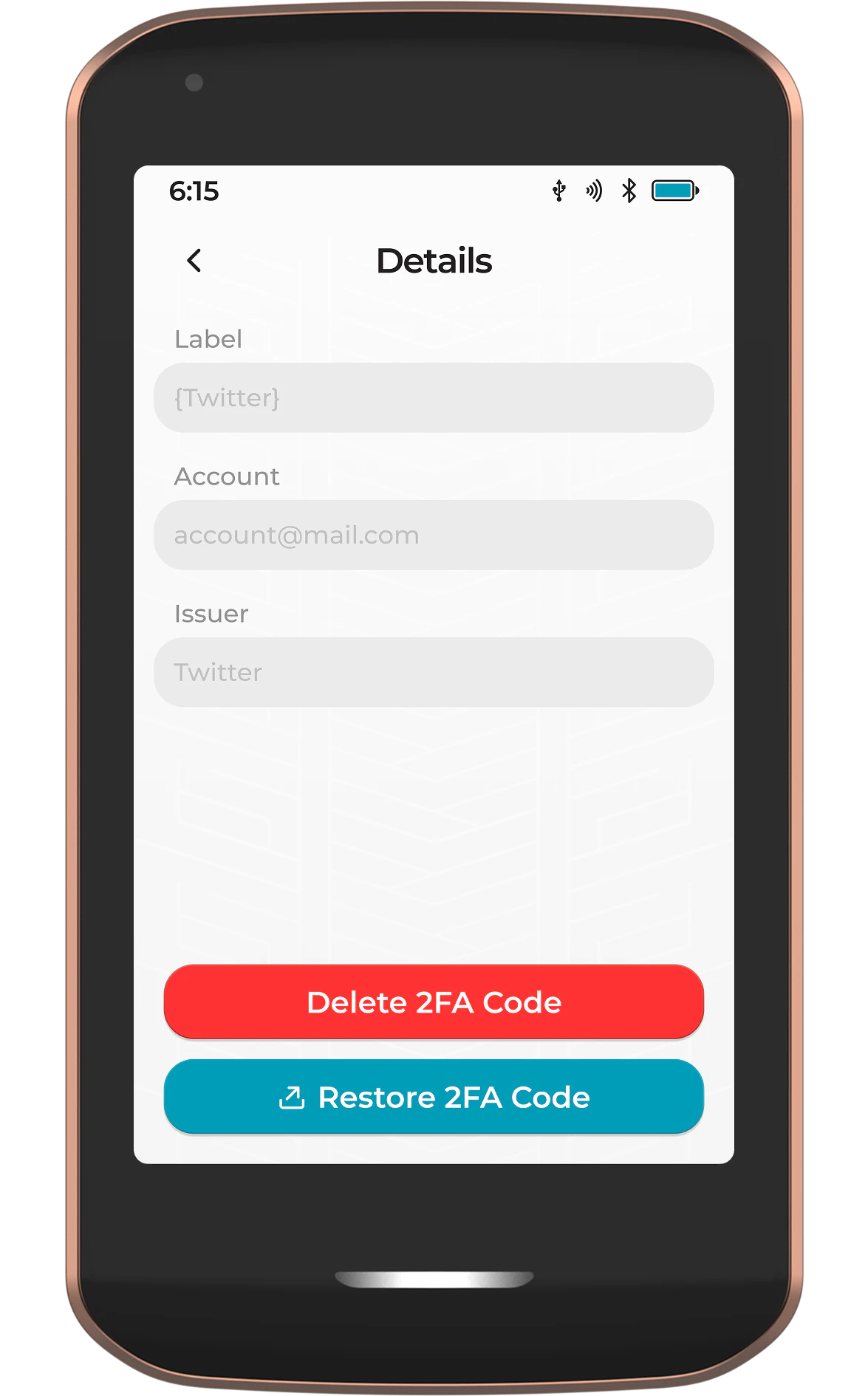
Tapping on any archived 2FA code will enable you to permanently delete it from Passport Prime, or restore it just in case it was archived in error.